Free Halftone converter
Give photography and footage a dotted, print-inspired surface with an adjustable dot size.
Drop an image or video here
Images up to 50 MiB · safe SVG up to 256 KiB · videos up to 512 MiB
Processed on your device. No account, no upload.
How to convert your file
- Choose an image or video, or drag the file into the preview. Your file stays on your device.
- Adjust the effect and compare it with the original. All effect controls are available in the parameter panel.
- Choose your output settings and download the result. Processing and encoding happen in your browser.
How the Halftone effect works
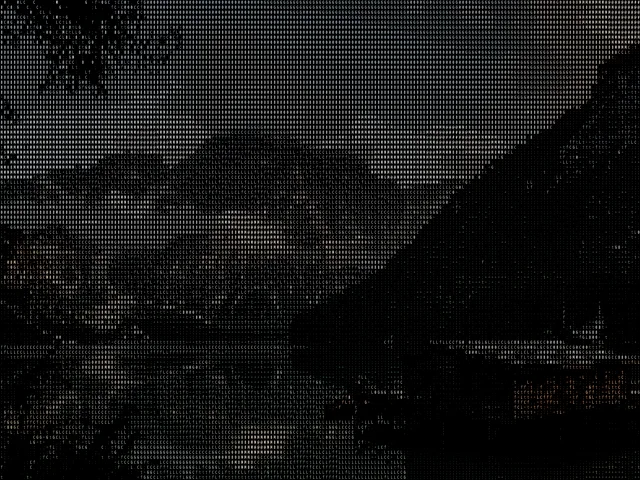
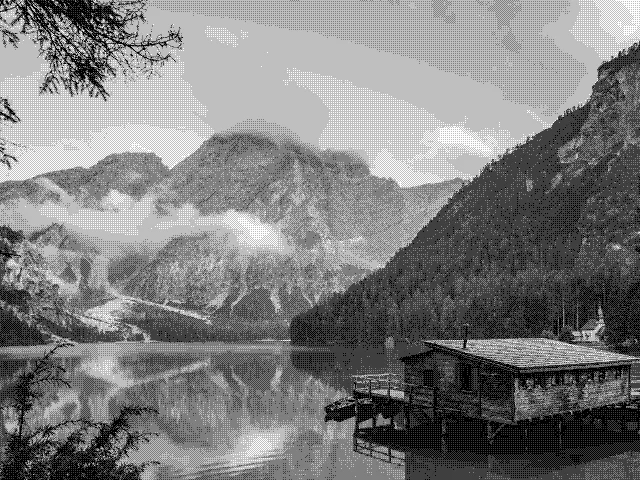
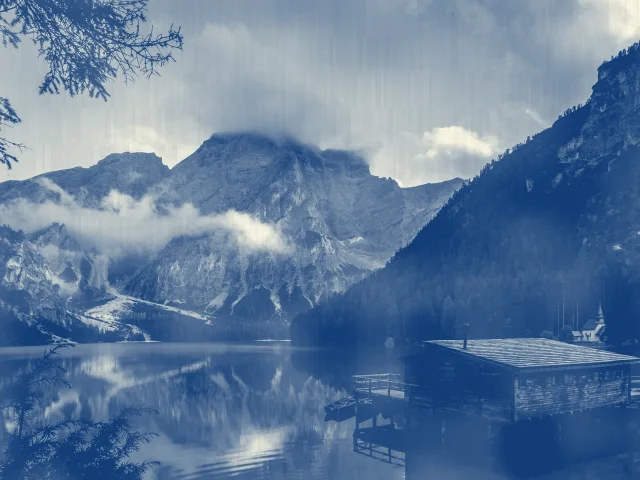
Halftone uses a regular dot treatment to reinterpret the source image. In Melt, the cell size controls the scale of the printed texture, Amount mixes the treatment with the original, and Color chooses between a colored and monochrome result. It is useful for editorial images, textured posters, cover art and graphic motion backgrounds.
- Image
- Adjust the treatment on a still image and download a PNG, JPEG or WebP. The output keeps the source aspect ratio and can be up to 1920 pixels on its longest edge.
- Video
- Apply the treatment to a selected clip and download MP4 or WebM, depending on your browser. Set the starting point and a duration of up to 60 seconds; the original audio can be kept.
A few ways to shape the result
- Try a larger dot size for imagery viewed at a distance.
- Use a smaller size when a face or product needs to stay recognizable.
- Compare colored and monochrome versions before choosing the final treatment.
Good to know
Can I adjust the halftone dots without resizing my file?
Yes. The effect’s scale changes its dot grid independently of the output-size setting. You can test a fine or coarse pattern while keeping the same output dimensions. The preview uses the same effect parameters as the downloaded result.
Is my file sent to a server?
No. The file is read locally and processed with the Melt renderer in your browser. The page can download application code and the optional example image, but it does not upload your selected media.
What can I download?
Choose PNG for a lossless image, JPEG for a compact photograph, or WebP when supported. The longest output edge is capped at 1920 pixels and smaller sources are not enlarged. The ASCII treatment is exported visually, not as a text file. Choose automatic encoding, MP4 or WebM. Supported codecs depend on your browser. The selected clip can be up to 60 seconds, at 30 fps, with up to 1920 pixels on its longest edge. Audio is included when enabled and present in the source.
Can I change the look after I choose a file?
Yes. The effect stays adjustable while you preview. Change its parameters, compare the source and result, and download again. The source file is not modified. Your selection is released when you leave the tool.