Free CRT converter
Add scanlines, display masks, curvature and glow for a retro screen treatment.
Drop an image or video here
Images up to 50 MiB · safe SVG up to 256 KiB · videos up to 512 MiB
Processed on your device. No account, no upload.
How to convert your file
- Choose an image or video, or drag the file into the preview. Your file stays on your device.
- Adjust the effect and compare it with the original. All effect controls are available in the parameter panel.
- Choose your output settings and download the result. Processing and encoding happen in your browser.
How the CRT effect works
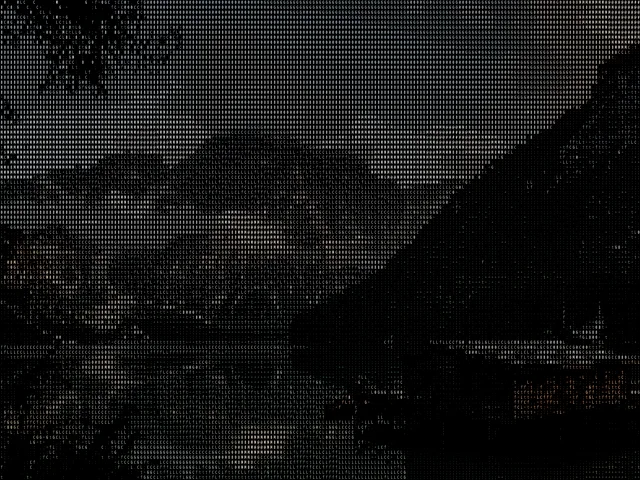
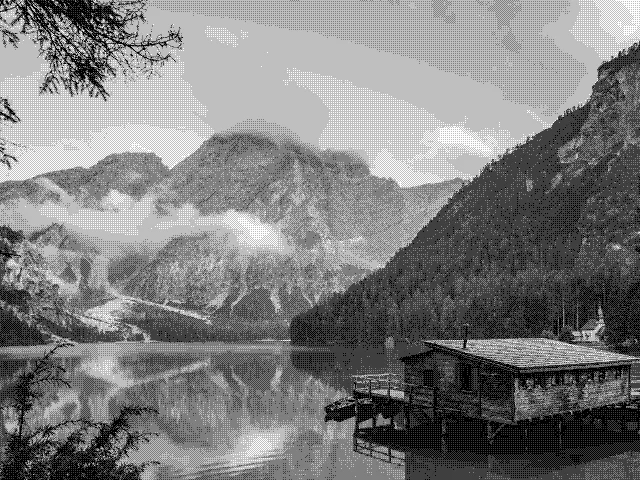
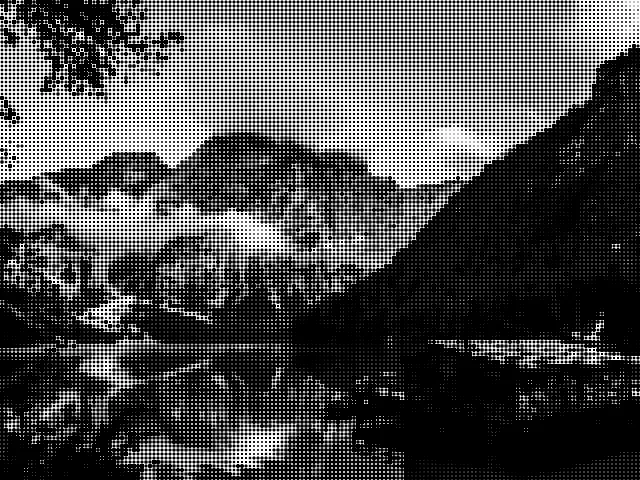
A CRT-inspired filter changes the appearance of the display rather than simply laying stripes over the picture. Melt combines a configurable screen mask, scanlines, curvature, convergence and glow. All display and tonal controls are available in the parameter panel. Try it on typography, artwork, game imagery or a short video clip.
- Image
- Adjust the treatment on a still image and download a PNG, JPEG or WebP. The output keeps the source aspect ratio and can be up to 1920 pixels on its longest edge.
- Video
- Apply the treatment to a selected clip and download MP4 or WebM, depending on your browser. Set the starting point and a duration of up to 60 seconds; the original audio can be kept.
A few ways to shape the result
- Keep scanlines subtle when the source contains small text.
- Use curvature and glow sparingly for a cleaner retro display.
- Compare the available mask patterns to find a texture that suits the subject.
Good to know
Is CRT the same as a VHS filter?
This converter focuses on a retro display treatment: screen masks, scanlines, curvature and glow. It does not claim to simulate every aspect of an analog tape workflow. The result is a stylized digital effect that you can adjust with Melt’s controls.
Is my file sent to a server?
No. The file is read locally and processed with the Melt renderer in your browser. The page can download application code and the optional example image, but it does not upload your selected media.
What can I download?
Choose PNG for a lossless image, JPEG for a compact photograph, or WebP when supported. The longest output edge is capped at 1920 pixels and smaller sources are not enlarged. The ASCII treatment is exported visually, not as a text file. Choose automatic encoding, MP4 or WebM. Supported codecs depend on your browser. The selected clip can be up to 60 seconds, at 30 fps, with up to 1920 pixels on its longest edge. Audio is included when enabled and present in the source.
Can I change the look after I choose a file?
Yes. The effect stays adjustable while you preview. Change its parameters, compare the source and result, and download again. The source file is not modified. Your selection is released when you leave the tool.