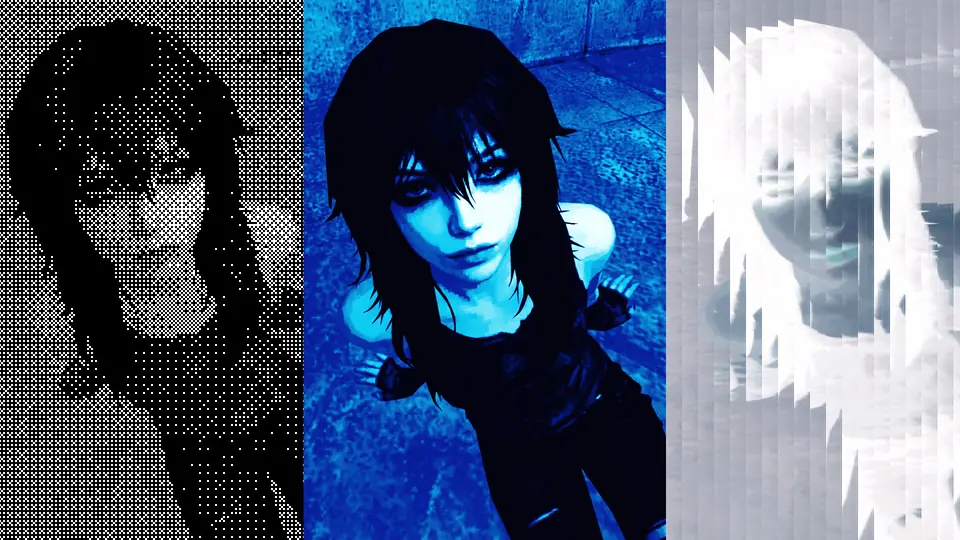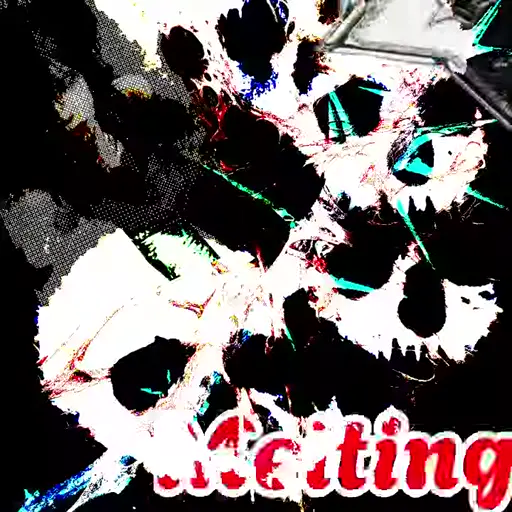
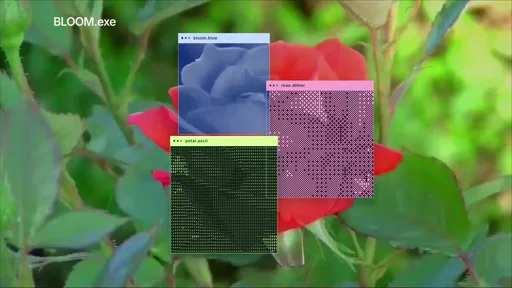
Design on one canvas.
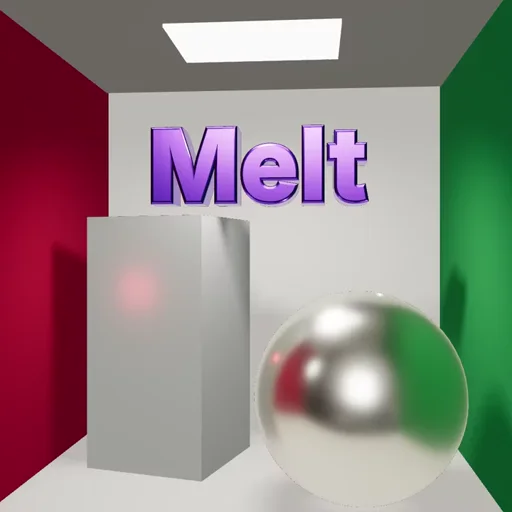
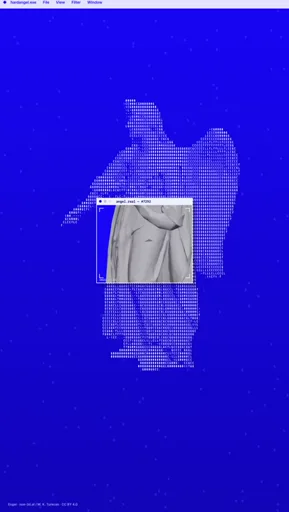
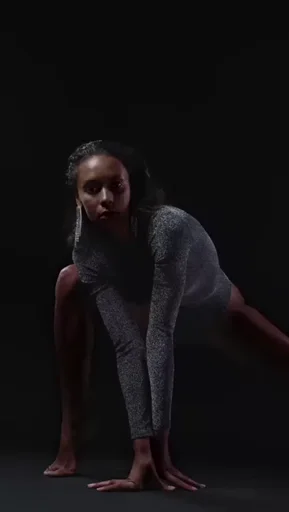
Combine images, text, video and 3D. Arrange your design with layers and masks.
Combine images, text, video and 3D. Arrange your design with layers and masks.
Adjust colors, textures and effects. See each change on your design as you work.
Start with a motion preset. Adjust the animation with keyframes and curves when you need more control.
Use Melt commands and portable project files with your external agent to edit designs.
Turn your editing history into a timelapse. Your history stores 10,000 steps by default.
Choose a resolution and check the preview in real time. Export images, timelapses or MP4/WebM video with audio.
Build posters, social visuals, animated typography and short motion compositions. Combine images, text, shapes and video, apply effects, then animate with presets or open the timeline for more control.
No. You can start from a template or an empty canvas directly in your browser. The free conversion tools work without signing up too.
Editor projects are saved in this browser on this device. They are not automatically synced to another browser or computer. Download an editable project file to keep a backup; clearing browser data can remove local projects. Files selected in the tools are processed locally.
Start with a Motion preset and adjust its timing and intensity. Open the optional details and keyframe timeline when you want to shape individual properties. Simple and detailed animation share the same engine.
Melt starts with a layered composition: artwork, typography, effects and motion in one workspace. It is built for designed visuals and short creative pieces. You can use the free tools for a quick effect, then explore templates in the full studio for more composition and animation controls.
The tools run locally without an account or a watermark added by Melt. Download images as PNG, JPEG or WebP, and videos as MP4 or WebM when supported by your browser. Video encoding capabilities depend on your device and browser.