Free ASCII converter
Turn photographs into grids of characters, from fine typographic detail to bold blocks of text.
Drop an image or video here
Images up to 50 MiB · safe SVG up to 256 KiB · videos up to 512 MiB
Processed on your device. No account, no upload.
How to convert your file
- Choose an image or video, or drag the file into the preview. Your file stays on your device.
- Adjust the effect and compare it with the original. All effect controls are available in the parameter panel.
- Choose your output settings and download the result. Processing and encoding happen in your browser.
How the ASCII effect works
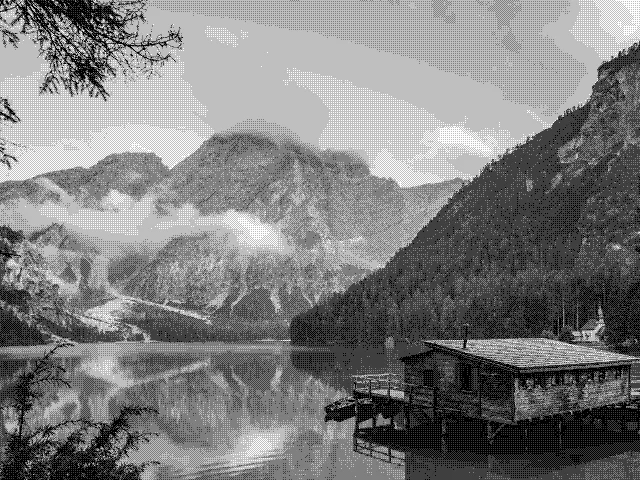
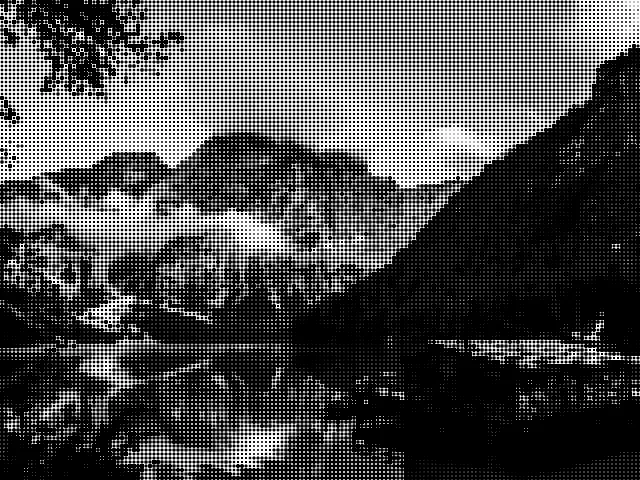
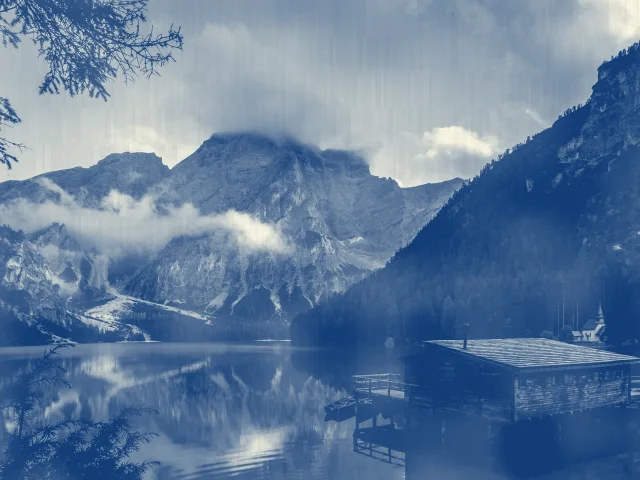
ASCII art builds an image from characters instead of a smooth surface. Melt samples the brightness of each cell and uses its own glyph atlas to draw denser or lighter symbols. The result is rendered by the same TSL effect used in the studio. Color mode keeps tones from the source; monochrome produces a restrained typographic image. Choose image tones, shaded ink, solid ink or a two-color gradient with an adjustable angle.
- Image
- Adjust the treatment on a still image and download a PNG, JPEG or WebP. The output keeps the source aspect ratio and can be up to 1920 pixels on its longest edge.
- Video
- Apply the treatment to a selected clip and download MP4 or WebM, depending on your browser. Set the starting point and a duration of up to 60 seconds; the original audio can be kept.
A few ways to shape the result
- Use smaller characters to preserve faces and small details.
- Increase the cell size for a bold poster or a deliberately abstract result.
- Mix in a little of the original with the Amount control for a softer treatment.
Good to know
Does the ASCII converter export editable text?
This tool creates a visual ASCII treatment and exports an image or video. The characters are rendered as part of the picture, rather than a plain-text document. Use the character-size and color controls to shape the look before downloading.
Is my file sent to a server?
No. The file is read locally and processed with the Melt renderer in your browser. The page can download application code and the optional example image, but it does not upload your selected media.
What can I download?
Choose PNG for a lossless image, JPEG for a compact photograph, or WebP when supported. The longest output edge is capped at 1920 pixels and smaller sources are not enlarged. The ASCII treatment is exported visually, not as a text file. Choose automatic encoding, MP4 or WebM. Supported codecs depend on your browser. The selected clip can be up to 60 seconds, at 30 fps, with up to 1920 pixels on its longest edge. Audio is included when enabled and present in the source.
Can I change the look after I choose a file?
Yes. The effect stays adjustable while you preview. Change its parameters, compare the source and result, and download again. The source file is not modified. Your selection is released when you leave the tool.